Managing and Tracking Job Results
The Job Details page provides detailed information about a function invocation, including execution status, configuration, and results.
Accessing Job Details
The Job Details page can be accessed in the following ways:
From Function Details
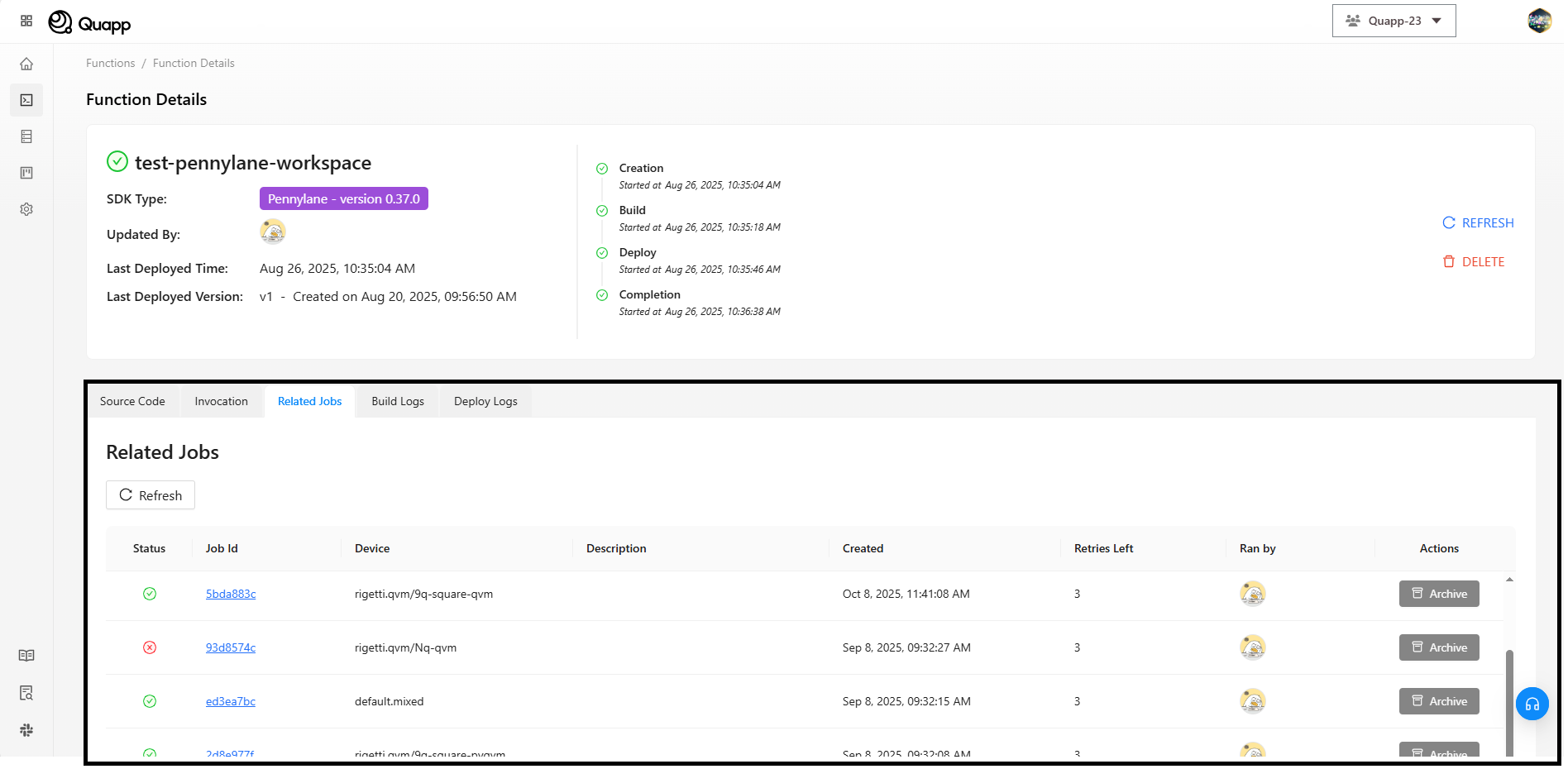
From the Functions page, select the function name you want to view.
On the Function Details page, locate the Related Jobs section.
Select a job from the list to open its Job Details view.
Jobs are grouped by function. Jobs created using different providers or devices are all displayed in the same job list for that function.
From Provider Details
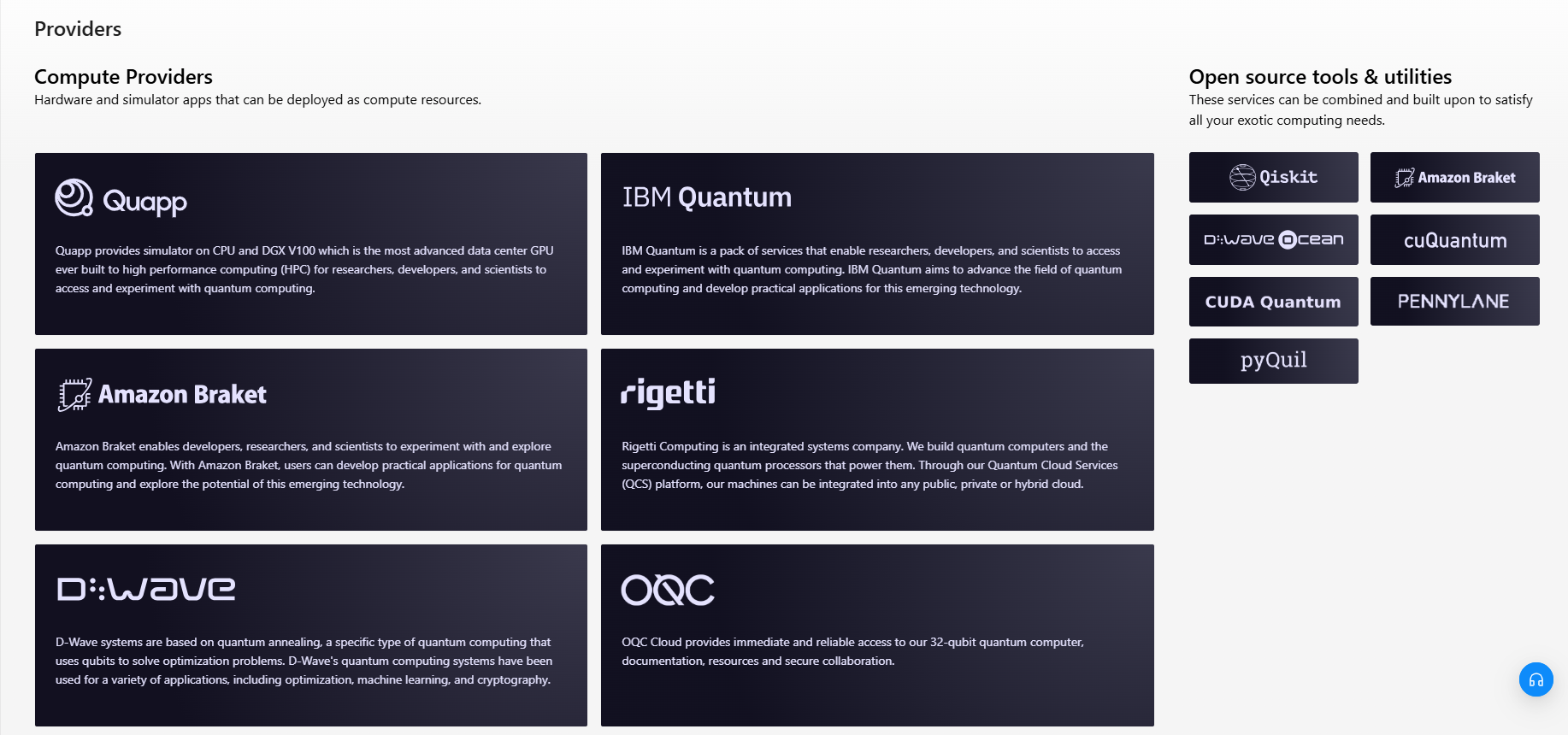
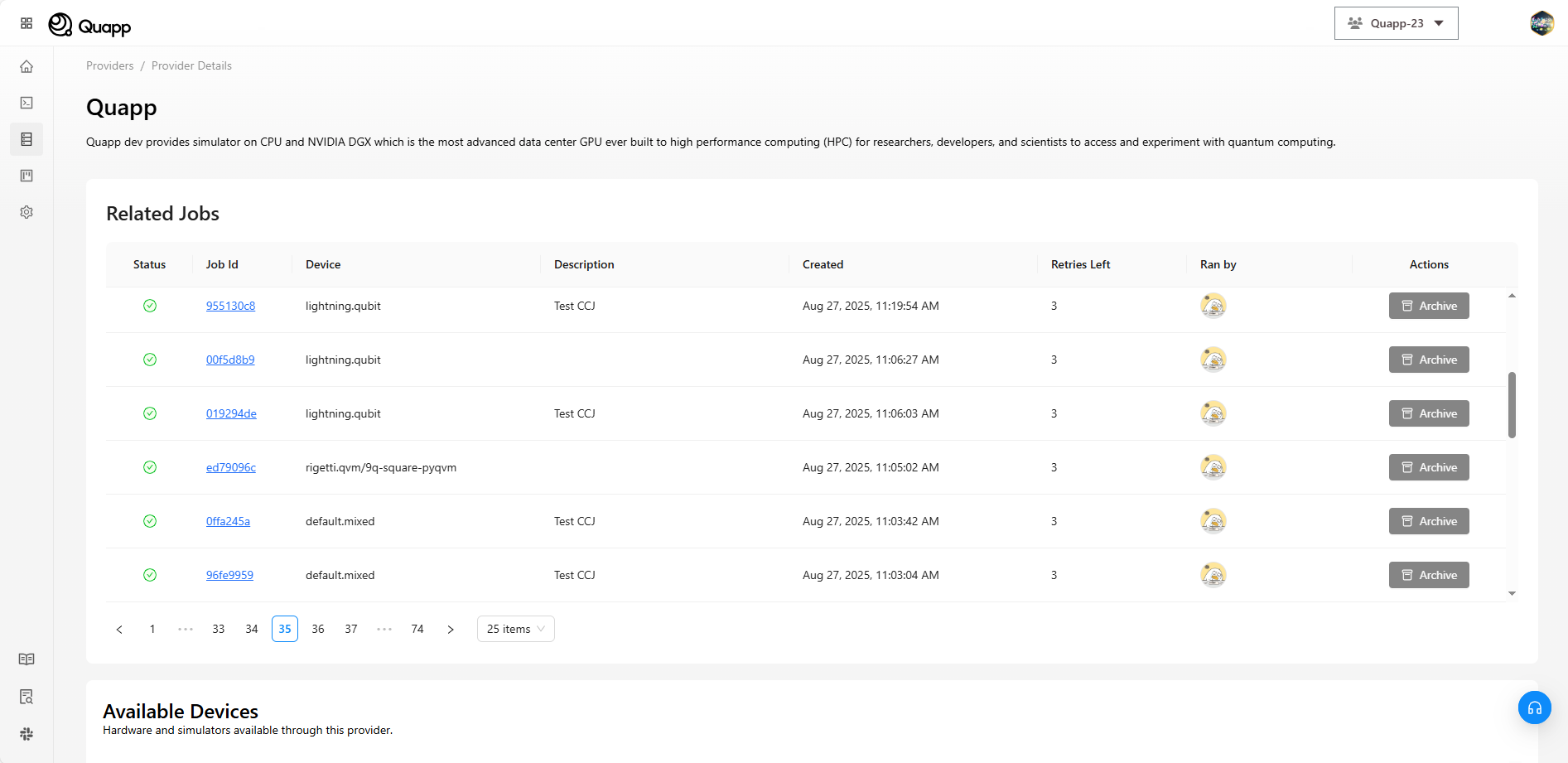
From the Providers section, navigate to the provider details view.
Select a job associated with the provider to open the Job Details page.
Job Information
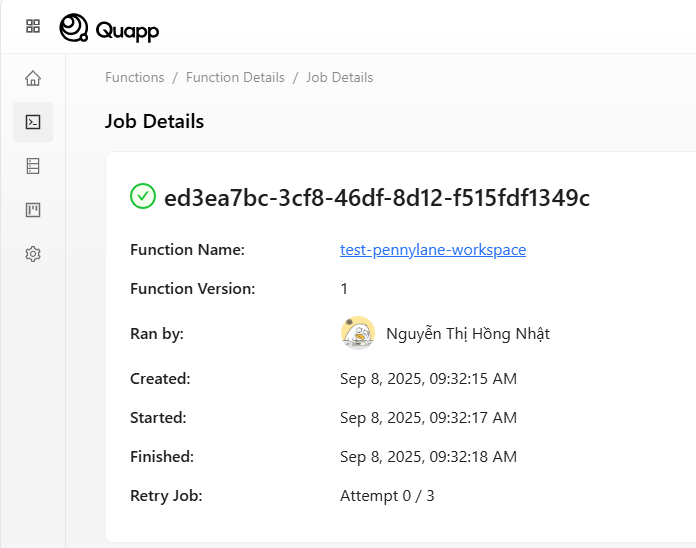
The top section of the Job Details page displays general execution information, including:
- Job ID Unique identifier of the job.
- Function Name The function that was invoked.
- Function Version The version of the function used for execution.
- Run By The user who invoked the job.
- Created / Started / Finished Timestamps indicating the job lifecycle.
- Retry Job Number of retry attempts used and remaining.
Job Execution Timeline
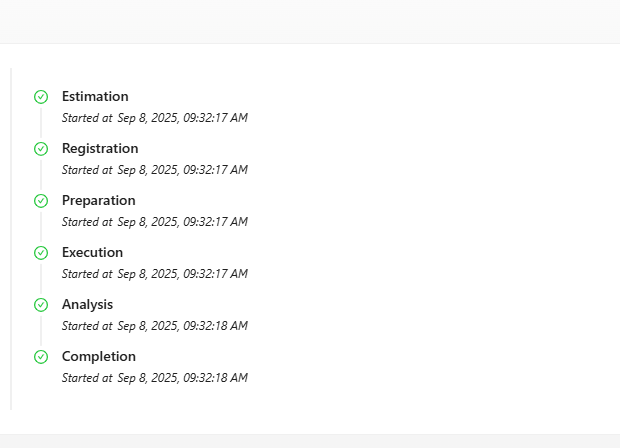
The execution timeline shows the progress of the job across different stages:
- Estimation
- Registration
- Preparation
- Execution
- Analysis
- Completion
Each stage includes a timestamp indicating when it started.
Job Data
This section displays the execution configuration used for the job:
- Total Completion Time
- Provider
- Device
- Shots
- Description
- Input
Job Result
The Job Result section presents the output generated by the execution.
Available views may include:
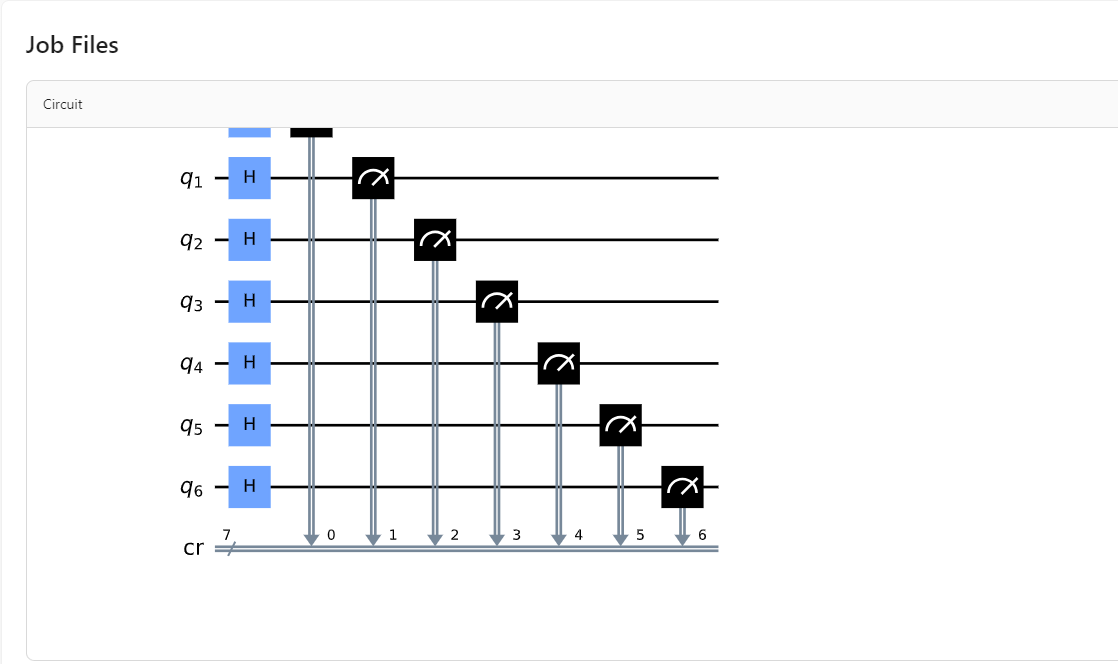
- Circuit Visual representation of the executed quantum circuit.
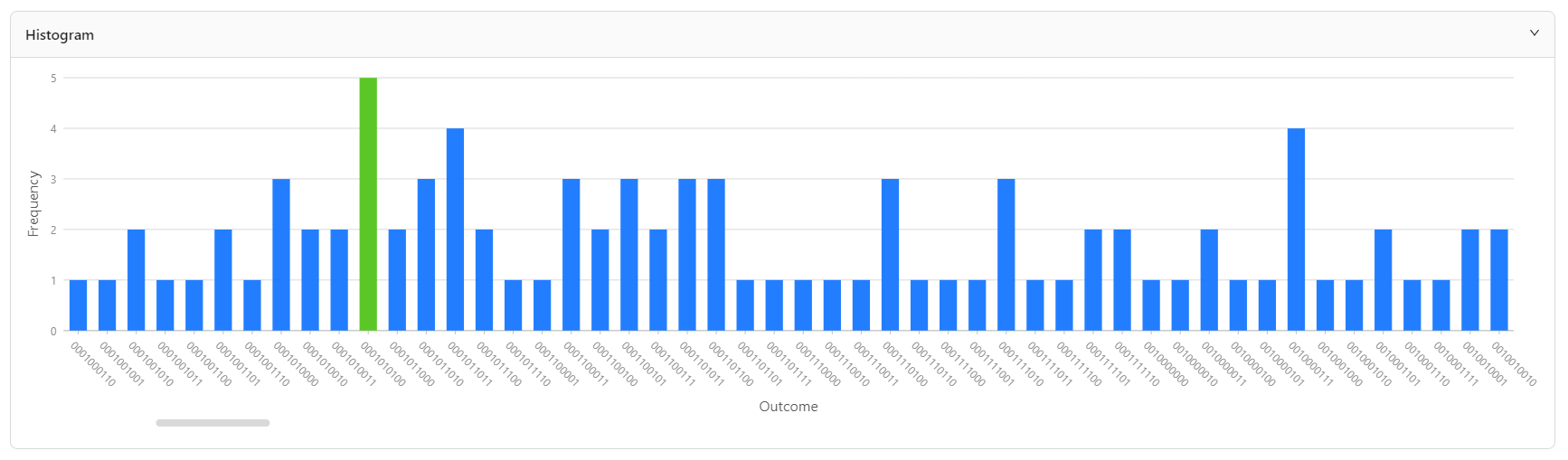
- Histogram Measurement results displayed as a chart or table.
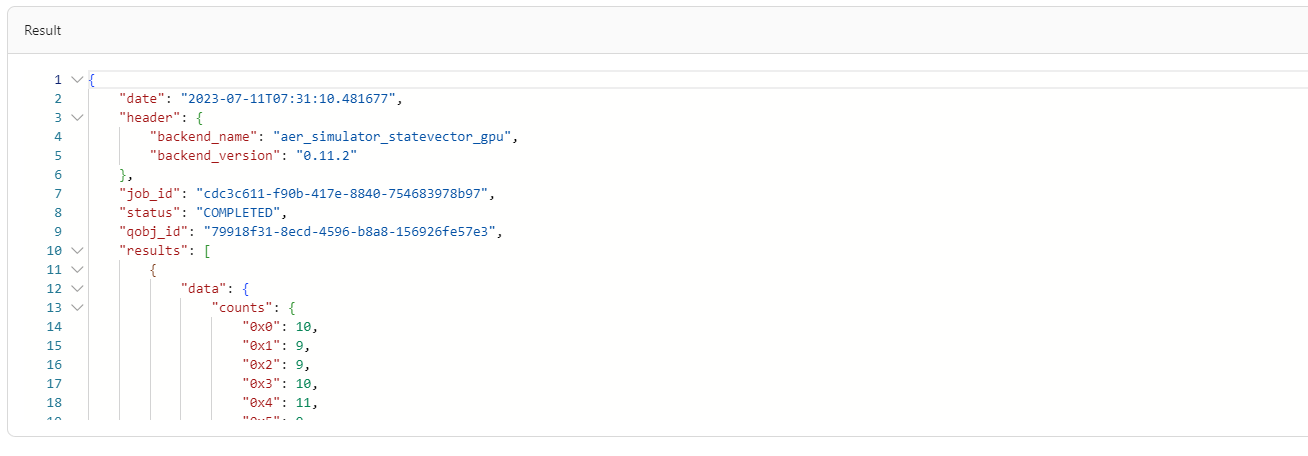
- JSON Raw result data in JSON format.
Actions
- Refresh Updates the job status and result data.
- Archive Archives the job for future reference.
Notes
- Only completed jobs display full result data.
- Job results depend on the selected provider and device.
- Archived jobs remain accessible for review.